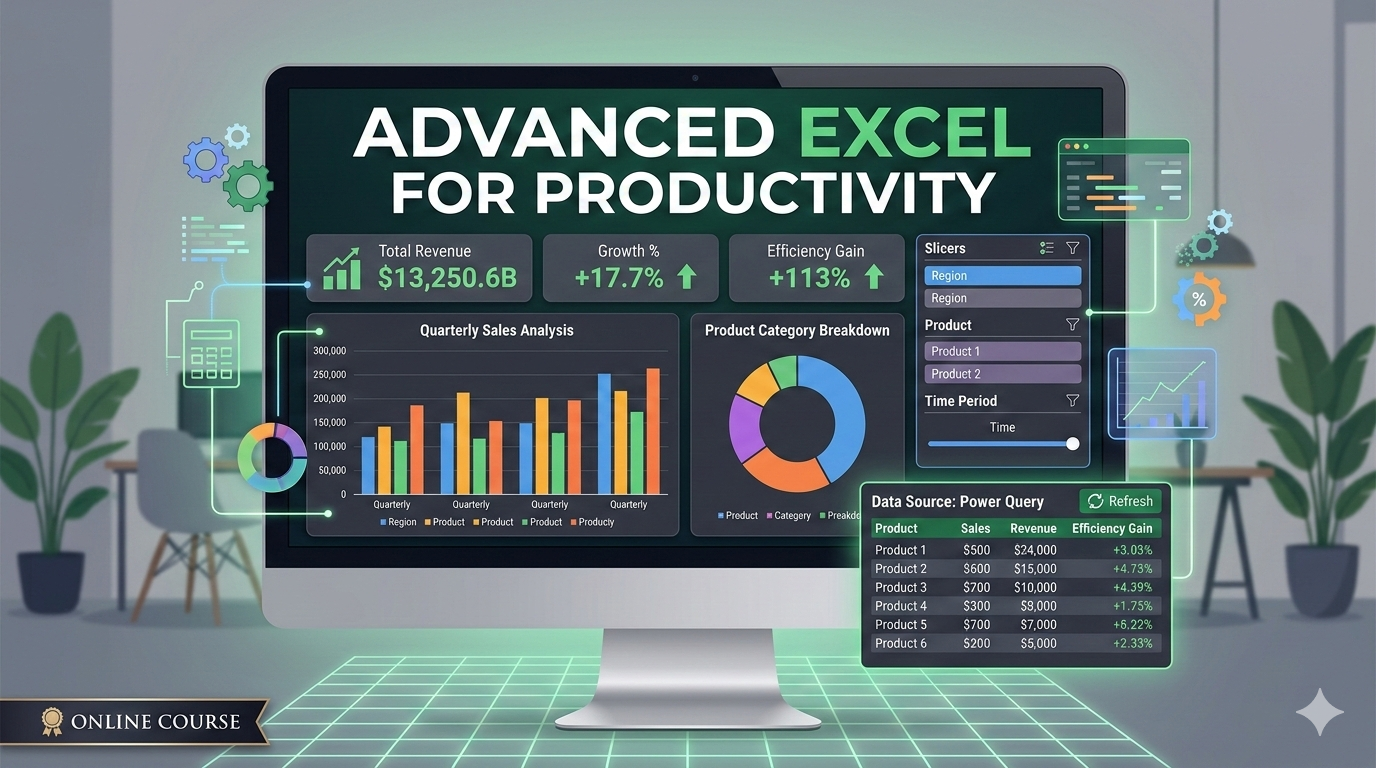
Advanced Excel for Productivity
...A beginner course for Data Analysts
Course Overview
Course Overview
This course focuses on the automation, analysis, and visualization pillars of Excel. You will learn to eliminate repetitive tasks, handle massive datasets without breaking a sweat, and build interactive dashboards that tell a compelling story.
-
Target Audience: Professionals who use Excel daily and want to save 5+ hours a week.
-
Prerequisites: Familiarity with basic formulas (SUM, IF) and Pivot Tables.
-
Outcome: Ability to build "set-it-and-forget-it" spreadsheets and sophisticated analytical models.
Course Outline
Module 1: The Efficiency Engine (Advanced Formulas)
Stop hard-coding and start nesting. This module covers the logic required to make spreadsheets "smart."
-
Dynamic Arrays: Mastering
XLOOKUP,FILTER,UNIQUE, andSORT. -
Logic Chains: Nesting
IF,AND,OR, and the magic ofIFS. -
Text & Date Manipulation: Cleaning messy data with
TEXTJOIN,LEFT/RIGHT, andNETWORKDAYS. -
Error Handling: Using
IFERRORandISBLANKto keep reports professional.
Module 2: Data Sculpting with Power Query
If you spend hours copying and pasting data every Monday, this is your new best friend.
-
The "Get & Transform" Workflow: Connecting to external CSVs, Folders, and Web data.
-
Cleaning Without Formulas: Pivoting/Unpivoting, splitting columns, and merging tables.
-
Automation: Setting up a "Refresh" button so your cleaning steps repeat automatically when new data arrives.
Module 3: Advanced Data Modeling & Pivot Power
Go beyond the basic Pivot Table to uncover deep insights.
-
Data Modeling: Connecting multiple tables using Power Pivot (Relational Databases).
-
Calculated Fields & Items: Adding custom logic inside your Pivot Tables.
-
Slicers & Timelines: Creating a user-friendly navigation interface for your data.
Module 4: Dynamic Dashboards & Visualization
Learn to present data so that stakeholders can understand it in five seconds or less.
-
The "Engine-Room" Method: Structuring sheets into Data, Calculation, and Presentation layers.
-
Advanced Charting: Waterfall charts, Sunbursts, and combining chart types.
-
Conditional Formatting Hacks: Using formulas to highlight entire rows or create "Heat Maps."
Module 5: Introduction to Automation (VBA & Macros)
The final frontier—making Excel do your work while you grab coffee.
-
The Macro Recorder: Recording simple repetitive tasks.
-
VBA Basics: Understanding the "Object Model" (Workbooks, Sheets, Ranges).
-
Form Controls: Adding buttons and checkboxes to make your sheet feel like a software app.
The "Productivity" Cheat Sheet
| Feature | Use Case | Time Saved |
| Power Query | Consolidating 12 monthly reports into one. | High (Hours) |
| XLOOKUP | Finding prices/IDs across different sheets. | Medium (Minutes) |
| Named Ranges | Making formulas readable (e.g., =Quantity*Tax_Rate). |
Low (Clarity) |
| Macros | Formatting a raw export with one click. | High (Daily) |
Available Dates & Locations
15th March - 5th April, 2026
MIT Technology
Apo Zone E
Abuja, FCT
Capacity: 0/50 Available
About the Facilitator

Anthony Nwokoma
Msc Information Technology
Have a career in Software Development that has lasted over 16 years
View Profile →Don't have an account? Sign up